
 English
Moving to Amsterdam means you’ll quickly come across apps that probably weren’t part of your life back home. Someone sends you a Tikkie, you need DigiD to access a government service, or you’re deciding whether to use NS, GVB or 9292 for your journey.
This guide covers 12 apps you’ll actually use, from public transport and everyday payments to grocery shopping and government services, so you can spend less time searching and more time getting on with everyday life.
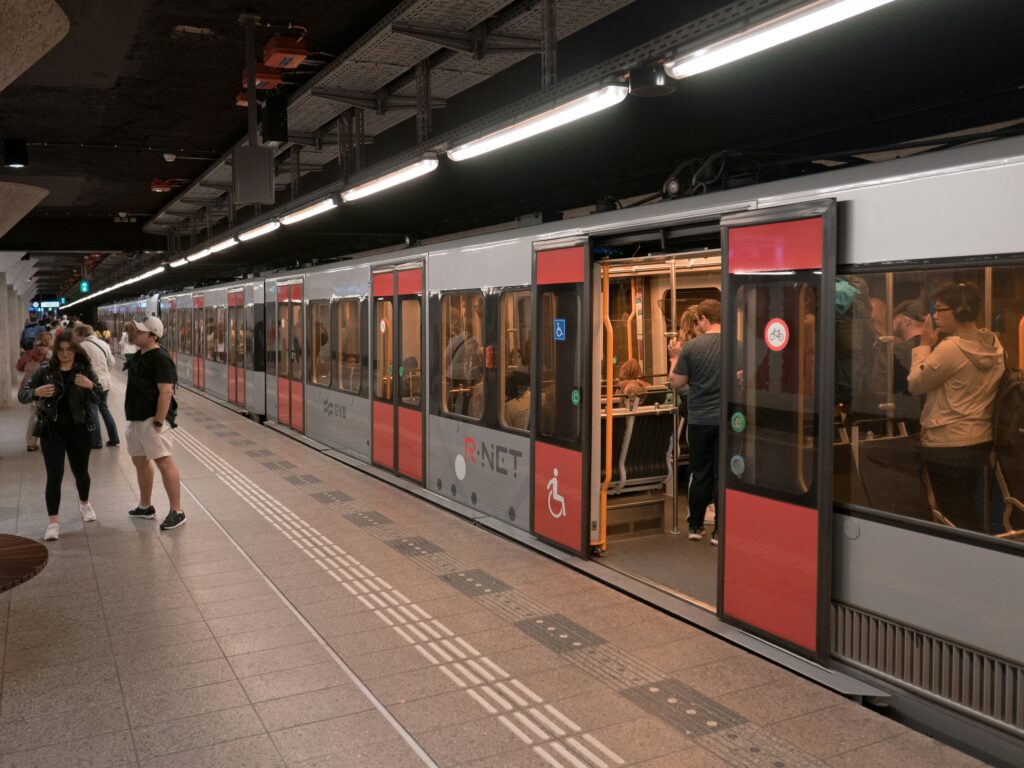
One of the first things you’ll notice is that Amsterdam doesn’t rely on a single public transport app. That’s because each one does something different. Together, they cover everything from planning your route to buying tickets and checking live departures.
| App | Best For |
|---|---|
| 9292 | Planning journeys across the Netherlands using trains, trams, buses, metros, and ferries |
| NS | Buying train tickets, checking live departures, and travelling between Dutch cities |
| GVB | Travelling around Amsterdam by tram, bus, metro, and ferry |
Best for: Planning journeys across the Netherlands
If you’re not sure how to get somewhere, start with 9292. It combines routes from public transport operators across the country, so you can plan your trip without switching between multiple apps.
Use it to:
Worth knowing
9292 helps you plan your journey. You’ll usually buy tickets through the transport operator you’ll be travelling with, such as NS or GVB.
Best for: Train travel across the Netherlands
Travelling beyond Amsterdam? NS is the official app of Dutch Railways and is the easiest way to buy train tickets, check live departures and manage train journeys across the country.
Use it to:
Worth knowing
The NS app is designed for train travel. If you’re travelling mainly by tram, bus or metro within Amsterdam, the GVB app will usually be more useful.
Best for: Getting around Amsterdam
If you’ll be using Amsterdam’s trams, buses or metro regularly, download the GVB app. It’s the official app for Amsterdam’s public transport network.
Use it to:
Worth knowing
GVB tickets are valid only on GVB-operated transport. If your journey also includes an NS train or another regional transport operator, you’ll need the appropriate ticket for that part of your trip.
One thing you’ll notice soon after moving to Amsterdam is that paying people works a little differently from the US. Whether you’re splitting the dinner bill, paying your share of the rent, or transferring money from back home, these are the two apps you’ll reach for most often.
| App | Best For |
|---|---|
| Tikkie | Splitting bills and requesting payments in the Netherlands |
| Wise | Sending money between the US and the Netherlands |
Best for: Splitting everyday expenses
Dinner with new colleagues or friends often ends the same way. One person pays the bill, then everyone else receives a Tikkie through WhatsApp a few minutes later. Instead of exchanging cash or bank details, you simply open the payment link and pay your share. It’s one of the most common ways people in the Netherlands settle shared expenses.
Use it to:
Worth knowing
Best for: Moving money between the US and the Netherlands
You’ll probably transfer money internationally more than once after moving. That could be paying your rental deposit, moving savings to your Dutch bank account, or receiving money from family back home. Wise lets you send money internationally using the mid-market exchange rate, with the transfer fee shown before you confirm the payment.
Use it to:
Worth knowing
If you’re still in the US, start with Wise. You can use it before opening a Dutch bank account, making it useful while you’re preparing for your move and during your first few weeks in Amsterdam.
Once you’ve opened your Dutch bank account, download Tikkie. You’ll probably use it regularly when splitting bills with friends, colleagues and housemates.
You probably won’t need DigiD on your first day in Amsterdam. Before long, though, you’ll come across a Dutch government website that asks you to sign in with DigiD. Whether you’re checking tax information, accessing healthcare services or using your municipality’s online portal, it’s the digital identity you’ll use again and again.
| App | Best For |
|---|---|
| DigiD | Securely accessing Dutch government and public services |
DigiD is the Netherlands’ digital identity system for accessing participating government and public service websites. Instead of creating separate accounts for different organisations, you use one secure login across participating services.
You’ll need DigiD when you want to:
Before you apply
You can apply for DigiD only after you’ve:
After applying, you’ll receive an activation letter by post at your registered address, usually within 3 to 5 working days. Once it arrives, you’ll have 21 days to activate your DigiD. If the activation period expires, you’ll need to submit a new application.
It’s worth applying soon after receiving your BSN so your DigiD is ready when you need to access government services.
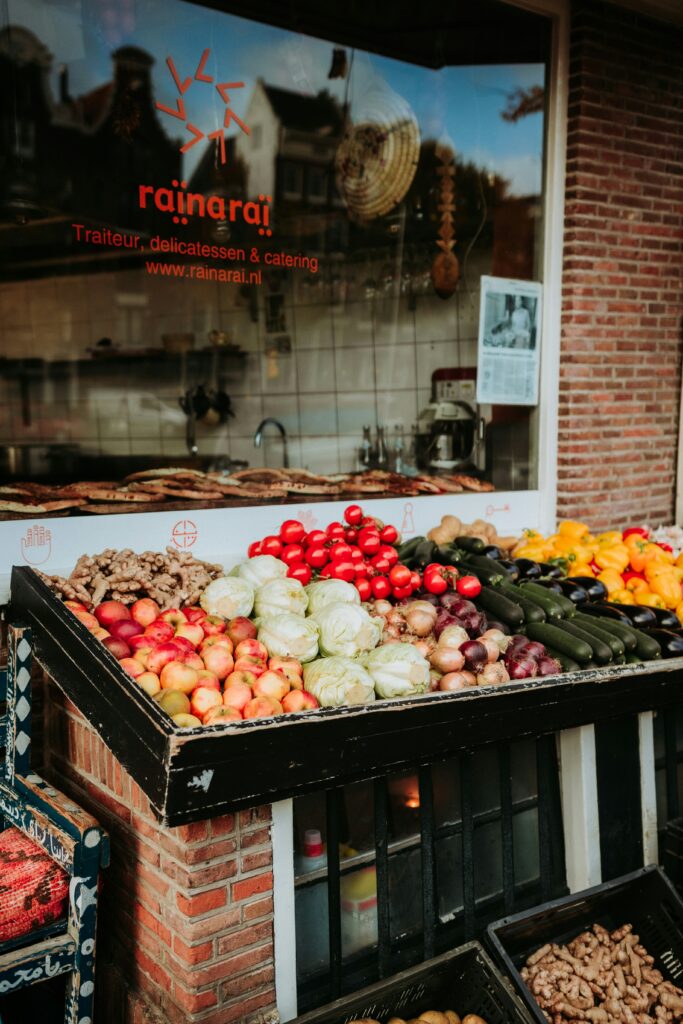
Your first few days in Amsterdam probably won’t involve home-cooked meals. After collecting your keys and unpacking boxes, ordering dinner is often easier than cooking. A few days later, you’ll be stocking your kitchen with groceries and household essentials. These are the two apps you’ll probably use first.
| App | Best For |
|---|---|
| Thuisbezorgd | Ordering takeaway from local restaurants |
| Picnic | Grocery shopping with free home delivery |
Instead of searching individual restaurant websites, enter your postcode in Thuisbezorgd to see which restaurants deliver to your address.
Use it when you want to:
Before placing an order
Once you’re ready to stock your kitchen, Picnic lets you order groceries and household essentials through its app and have them delivered to your home.
Unlike a traditional supermarket, Picnic doesn’t operate physical stores. Orders are delivered through scheduled neighbourhood delivery rounds using 100% electric vehicles, and delivery is free.
Before placing your first order
Moving to Amsterdam comes with plenty of upfront costs. If you need a desk for work, a dining table, kitchen essentials or a bike, buying everything new can quickly stretch your budget. Shopping second-hand is one of the easiest ways to furnish your home while keeping moving costs under control.
| App | Best For |
|---|---|
| Marktplaats | Furniture, bikes, appliances and household items |
| Vinted | Clothing, shoes and accessories |
Need a dining table before Monday? Or a bike for your daily commute? Marktplaats is an online marketplace where people across the Netherlands buy and sell second-hand items locally. It’s often the first place to look for furniture, bikes and household essentials.
Use it to:
Before you buy
Packed light? Vinted makes it easy to refresh your wardrobe without paying full retail prices. It’s best known for second-hand clothing, but you’ll also find shoes, bags and accessories from individual sellers.
Use it to:
The weather in Amsterdam likes to keep you guessing. You can leave home in sunshine and find yourself caught in a rain shower before you reach your destination. Whether you’re walking, cycling or using public transport, checking the rain radar before you leave can save you from getting caught in a shower.
| App | Best For |
|---|---|
| Buienradar | Checking live rainfall and weather forecasts before heading out |
Unlike a standard weather forecast, Buienradar shows where rain is falling in real time, helping you decide whether to leave now, wait a few minutes or grab a waterproof jacket.
Check Buienradar before you:
Worth knowing
You’ll notice it within your first few days in Amsterdam: almost everyone cycles. It’s often the quickest way to get to work, class, or the supermarket, but buying a bike straight after moving isn’t always practical.
| App | Best For |
|---|---|
| Swapfiets | Renting a bike with maintenance included |
You’ll recognise a Swapfiets bike by its blue front tyre. Instead of buying a bike outright, you pay a monthly subscription and ride it for as long as you need it. If something goes wrong, you can arrange a repair through Swapfiets, and the bike may be repaired or replaced depending on the issue and your subscription.
Consider Swapfiets if you want to:
A few things to know
Moving to Amsterdam doesn’t mean you need to speak fluent Dutch from day one. You’ll be able to manage many everyday situations in English, especially in shops, cafés and on public transport. Learning a few everyday Dutch words and phrases can still make simple interactions feel more comfortable and help you recognise common words you’ll see and hear around the city.
| App | Best For |
|---|---|
| Duolingo | Learning basic Dutch in short, daily lessons |
You don’t need to learn Dutch from a textbook before moving to the Netherlands. Duolingo teaches the language through short, interactive lessons that are easy to fit into your day.
Use it to:
Before you begin
Duolingo is a good place to start, but the fastest way to build confidence is to use what you’ve learned in everyday situations whenever you get the chance.
By now, you’ve sorted transport, groceries and the practical side of daily life. Then come the recurring chores that quietly take up your evenings and weekends.
Laundry is one of them.
Unlike the other apps in this guide, this isn’t something you’ll need straight away. But once you’re settled, a pickup and delivery laundry service can save time each week.
CleanLab collects your laundry, washes it, folds it, and delivers it back to your doorstep.

If laundry isn’t how you want to spend your weekends, handing it off is one less thing to think about.
No one arrives in Amsterdam knowing exactly how everything works, and that’s part of moving somewhere new. Sooner or later you’ll need to catch a train, split a dinner bill, order groceries, or log in to a government website. When that moment comes, you’ll already know which app to reach for.
You don’t need to download all 12 apps today. Start with the ones you’ll use first, then come back to this guide whenever a new question pops up.
Welcome to Amsterdam.
Before moving to Amsterdam, download 9292 for journey planning, NS for train travel, GVB for Amsterdam’s trams, buses and metro, Tikkie for splitting bills, DigiD for accessing Dutch government services, and Wise for international money transfers. Once you’ve settled in, apps like Thuisbezorgd, Picnic, Marktplaats, Buienradar, Swapfiets and Duolingo can make everyday life easier.
Use 9292 to plan journeys across the Netherlands by train, tram, bus, metro, and ferry, and to buy e-tickets for many public transport journeys. Use NS for train tickets, live departures, and rail travel. Use GVB for Amsterdam’s trams, buses, metro, ferries, GVB tickets, and service updates.
Thuisbezorgd and Uber Eats both operate in Amsterdam. Thuisbezorgd allows you to order food from restaurants and participating stores that deliver to your postcode. Uber Eats also offers restaurant delivery in Amsterdam. Restaurants decide which delivery platforms they partner with, so availability varies between the two apps.
Uber, Bolt and TCA (Taxi Centrale Amsterdam) all operate in Amsterdam. Uber and Bolt let you book rides through their mobile apps. TCA lets you book licensed taxis through its app, website or by phone.
